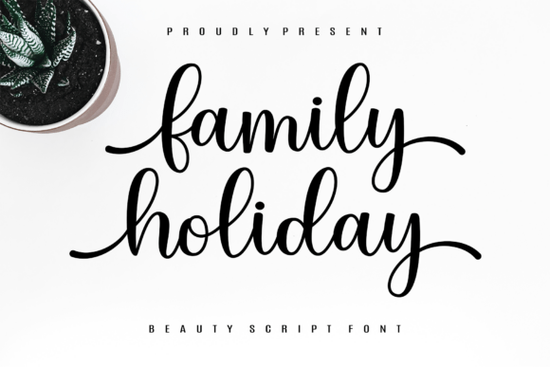
The Family Holiday Font is a beautifully flowing script typeface with elegant, hand-lettered character forms. It's designed for anyone who wants to add a warm, personal touch to their creative work whether that's holiday greeting cards, seasonal packaging, or heartfelt invitations.
What makes this font stand out is its balance. The letterforms feel natural and connected, but they're clean enough to remain readable. That combination is harder to find than you might think, especially in script fonts meant for both personal and commercial projects.
What kinds of projects does the Family Holiday Font work best for?
This font shines in designs where warmth and personality matter most. Here are some popular uses:
- Holiday cards and seasonal greetings the name says it all. This font was made for festive designs.
- Wedding and event invitations its graceful curves add a refined, romantic feel.
- Print-on-demand products mugs, tote bags, T-shirts, and wall art all benefit from its distinctive look.
- Social media graphics quotes, announcements, and promotional posts feel more personal with a script font like this.
- Branding for small businesses bakeries, boutiques, and handmade shops can use it for logos, packaging, and labels.
If you're already working with script fonts in your designs, you may also want to explore a flowing cursive alternative or another graceful script with a different personality to round out your font library.
Is this script font easy to read at different sizes?
Yes, and that's one of its strengths. Some script typefaces look beautiful large but become hard to read at smaller sizes. The Family Holiday Font holds up well because of its well-spaced letter connections and consistent stroke weight.
That said, like most script fonts, it works best at medium to large sizes. For body text or fine print, you'll want to pair it with a clean sans-serif or serif font. A common approach is to use the script font for headings or featured text and a simpler typeface for supporting copy.
Can I use this font for commercial projects?
The Family Holiday Font comes with a license that covers both personal and commercial use. This means you can use it on products you sell, in client work, and across your business materials without worrying about extra fees or restrictions.
This is especially helpful for print-on-demand sellers and small business owners who need reliable typefaces for signature-style scripts and other design work across multiple projects.
How does it compare to other script fonts?
Every script font carries its own personality. The Family Holiday Font stands out for its elegant flow and timeless character. It doesn't chase trends it focuses on classic beauty that won't look dated a year from now.
If you prefer something more ornate or decorative, refined choices with detailed flourishes might catch your eye. For projects that call for a simpler, more relaxed feel, a charming handwritten option could be a better match.
The key is to match the font's personality to your project's tone. A holiday card calls for something warm and elegant. A children's party invitation might need something playful. Having several script fonts on hand gives you flexibility to choose the right one every time.
What design software is it compatible with?
The font works with most standard design tools, including:
- Adobe Photoshop, Illustrator, and InDesign
- Canva (for Pro users who upload custom fonts)
- Cricut Design Space and Silhouette Studio
- Affinity Designer and Publisher
It supports uppercase and lowercase letters, numbers, punctuation, and multilingual characters, giving you full control over your text layouts.
Quick checklist before you start designing
- Download and install the font on your computer or upload it to your preferred design platform.
- Test it at different sizes to find where it looks best for your specific project.
- Pair it with a complementary sans-serif for body text or smaller details.
- Review the license to confirm it covers your intended use.
- Organize your font files in a dedicated folder so you can find them quickly for future projects.
Tip: Before finalizing any design, print a test copy or preview it on an actual product mockup. Script fonts can look different on screen versus in print, especially at smaller sizes.
Try It Free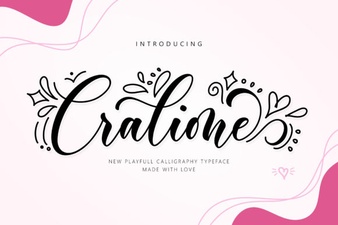 Cralione Script Font: Elegant Handwritten Typography for Creatives
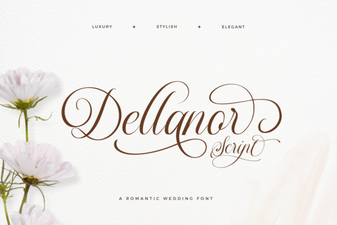 Dellanor Script Font: Elegant Handwritten Style for Designers
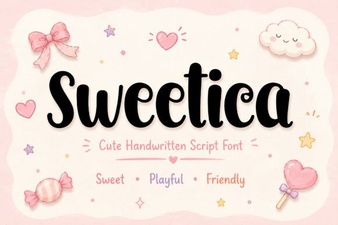 Sweetica Font: a Charming Typeface for Creative Designs
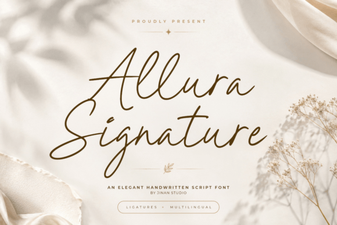 Allura Signature Font: Elegant Script for Creative Designs
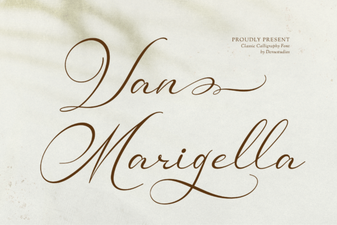 Van Marigella Font: Elegant Script for Creative Projects
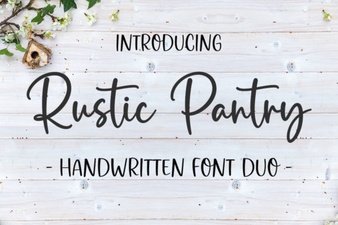 Rustic Pantry Font – Free Script Font Download